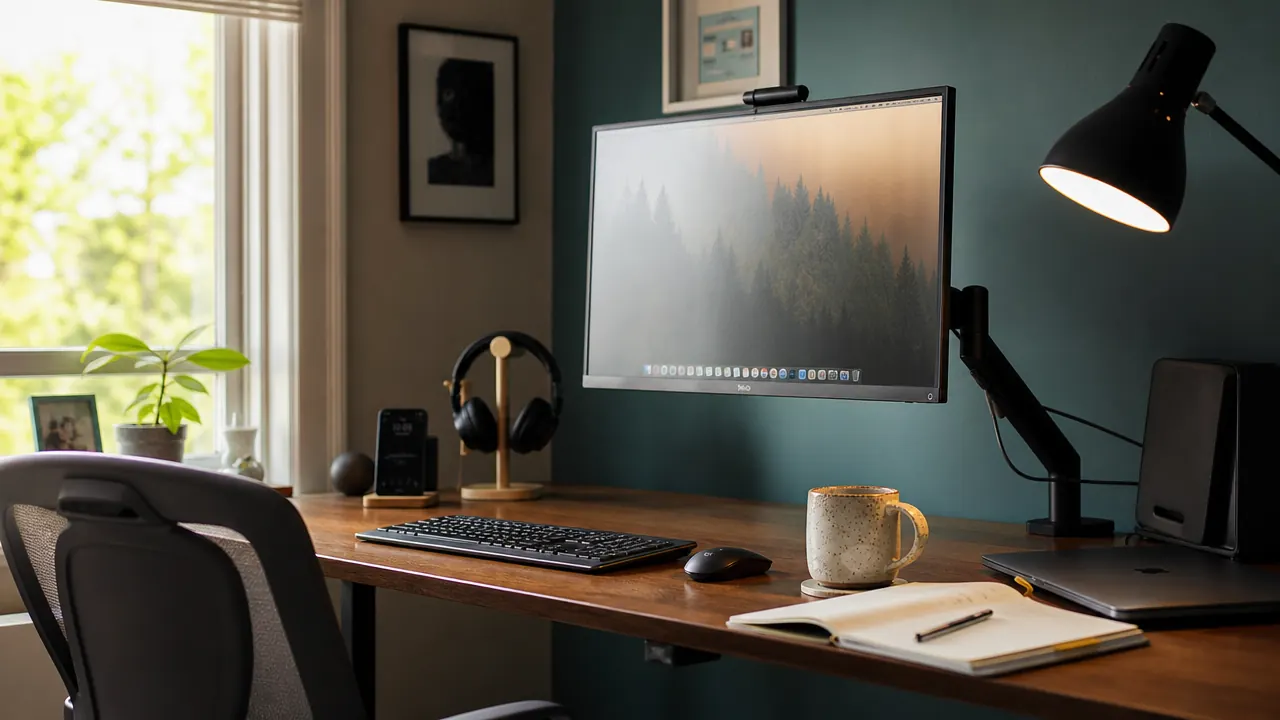
I rebuilt my desk setup three times before I figured out the real problem. It was never the desk itself. It was the monitor stand. That plastic or steel base sitting in the middle of the desk, holding one screen, and doing nothing else while it burns through six to ten inches of depth you could use for literally anything else. The fix cost about fifty dollars and took fifteen minutes to install. Here are the ten reasons that swap is worth doing.
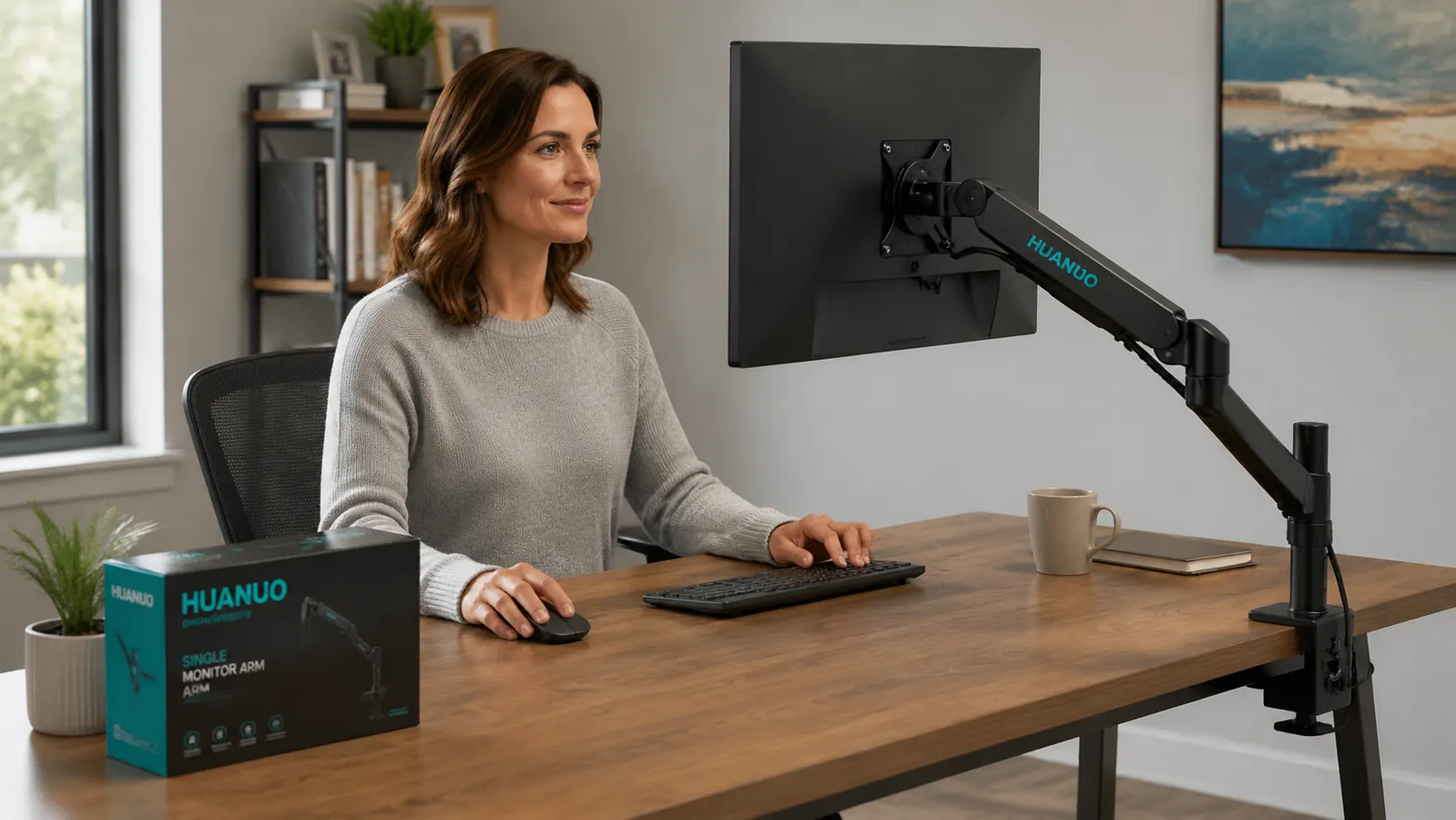
Every item on this list applies to the HUANUO single monitor arm, which is the arm I use and the one I keep recommending to anyone with a desk under 48 inches. It fits screens from 13 to 34 inches, mounts with a clamp in about ten minutes, and does not require drilling. If you want the longer breakdown, I have a full HUANUO monitor arm review on this site. This list is the fast version.
Your monitor stand is eating desk space right now. This arm fixes that for under fifty dollars.
The HUANUO single monitor arm fits screens 13 to 34 inches, clamps to any desk edge in under fifteen minutes, and frees the footprint your current stand is sitting on.
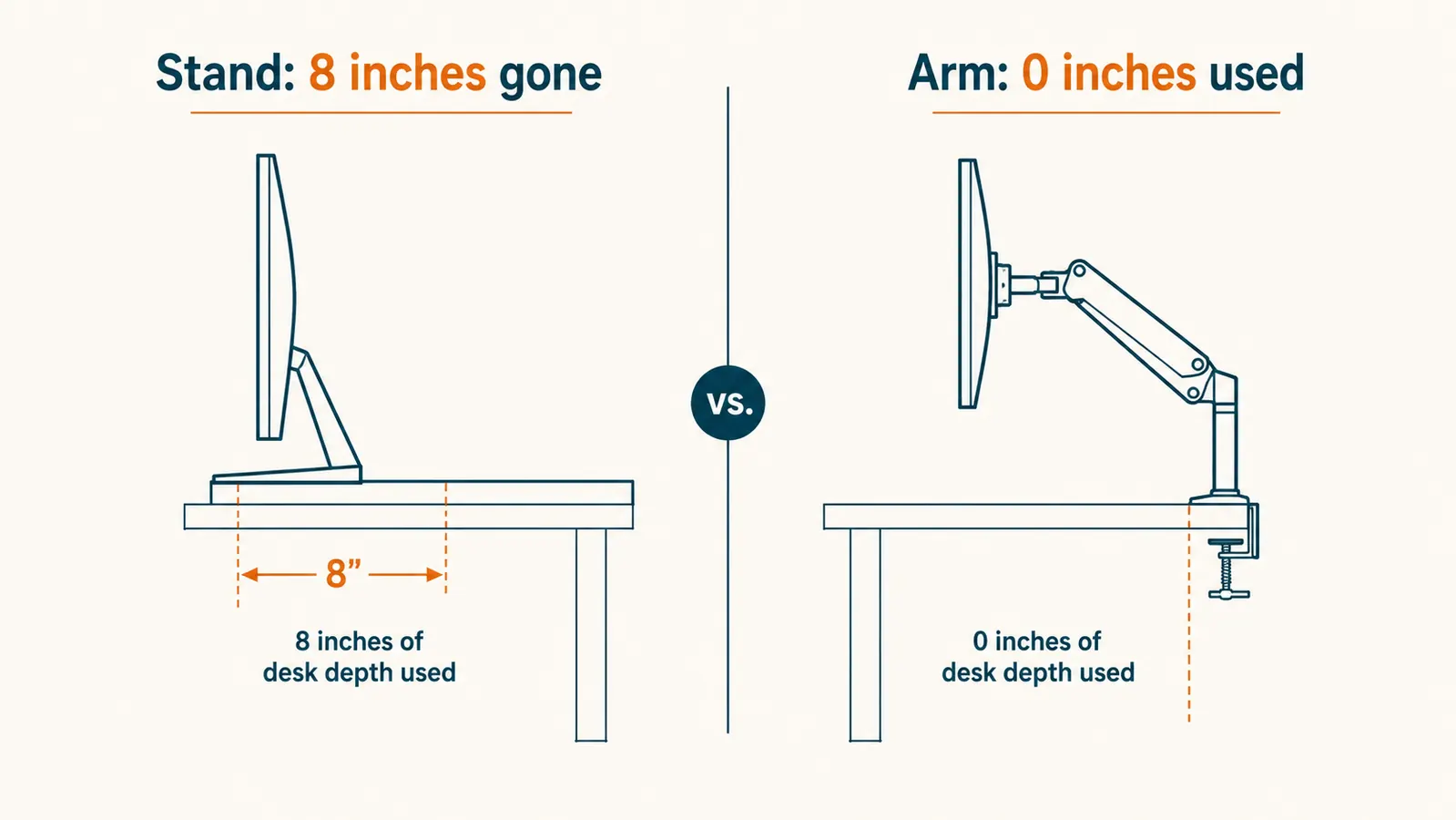
Amazon Check Today's Price on Amazon →It Reclaims Six or More Inches of Desk Depth
A standard monitor stand base runs roughly six to ten inches front to back. That is the same footprint as a full notebook, a keyboard tray, or a decent portion of your primary work surface. The HUANUO arm clamps to the desk edge and holds the monitor in the air above the desk. The base footprint goes to zero. On a 48-inch desk that difference feels significant. On a 36-inch desk it feels like getting a new desk.
It Lifts the Screen to True Eye Level
Most monitor stands put the bottom of the screen at desk height, which means you are looking slightly down all day. Looking down compresses the cervical spine and tires the neck faster than most people realize. The HUANUO arm adjusts from roughly 15 to 20 inches above the desk surface, which puts the top third of the screen at eye level for a 5-foot-6 to 6-foot-2 seated person. Getting the screen to the right height for your body is a real ergonomic change, not a marketing bullet.
It Swivels for Video Calls
The arm swivels 360 degrees at the mount. When I need to show something on screen to someone else in the room, I rotate the monitor toward them in about two seconds. No leaning over, no craning necks. This sounds minor until you are doing it multiple times a day. It also matters in small spaces where two people share a desk or couch: you can angle the screen to any viewer in the room without moving the desk.
It Tilts to Cut Window Glare
Window light changes throughout the day, and so does the angle of glare on a flat screen. A fixed monitor stand gives you one viewing angle forever. The HUANUO arm tilts plus or minus 15 degrees and rotates 180 degrees on the horizontal plane. When the afternoon sun starts washing out the left side of your screen, a two-second tilt adjustment fixes it. You stop working around glare instead of fighting it.
It Pushes Back When You Need Desk Space
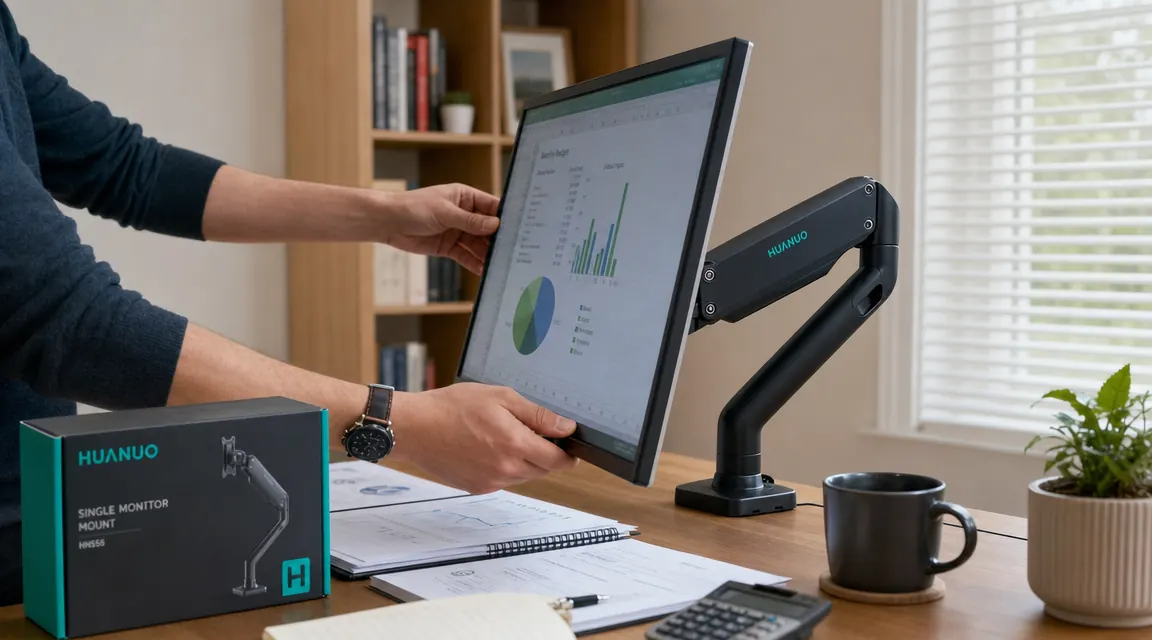
This one surprised me more than any other. When I need to spread out paper, read physical documents, or sketch something, I push the monitor back three or four inches with one hand. The gas spring arm holds the new position and the screen stays level. I get an extra ten inches of clear surface whenever I need it and the monitor slides back to reading distance in five seconds. A monitor stand cannot do this. It just sits there, occupying the same spot at all times.
When I need to spread out paper, I push the monitor back with one hand and gain ten inches of desk surface in about three seconds. A stand cannot do that.
It Routes Cables Off the Desk Surface
The HUANUO arm has a built-in cable channel along the entire arm length. You route the monitor's display cable and power cable through the channel once during installation and they disappear. The desk surface goes from having a bundle of cables running from the monitor to the tower or the wall to having nothing visible. Combined with freeing the stand footprint, this single visual change makes the desk look like a different object.
It Fits Any VESA-Compatible Monitor
The arm uses the 75x75mm and 100x100mm VESA mounting pattern, which covers almost every monitor made in the last fifteen years. If your current screen has a removable stand with four screws on the back, it almost certainly works with the HUANUO arm. The adapter plate ships with the arm. You do not need to buy a new monitor to use a monitor arm, which means the investment is portable across your next two or three screens.
It Frees the Space for a Keyboard Tray or Wider Keyboard
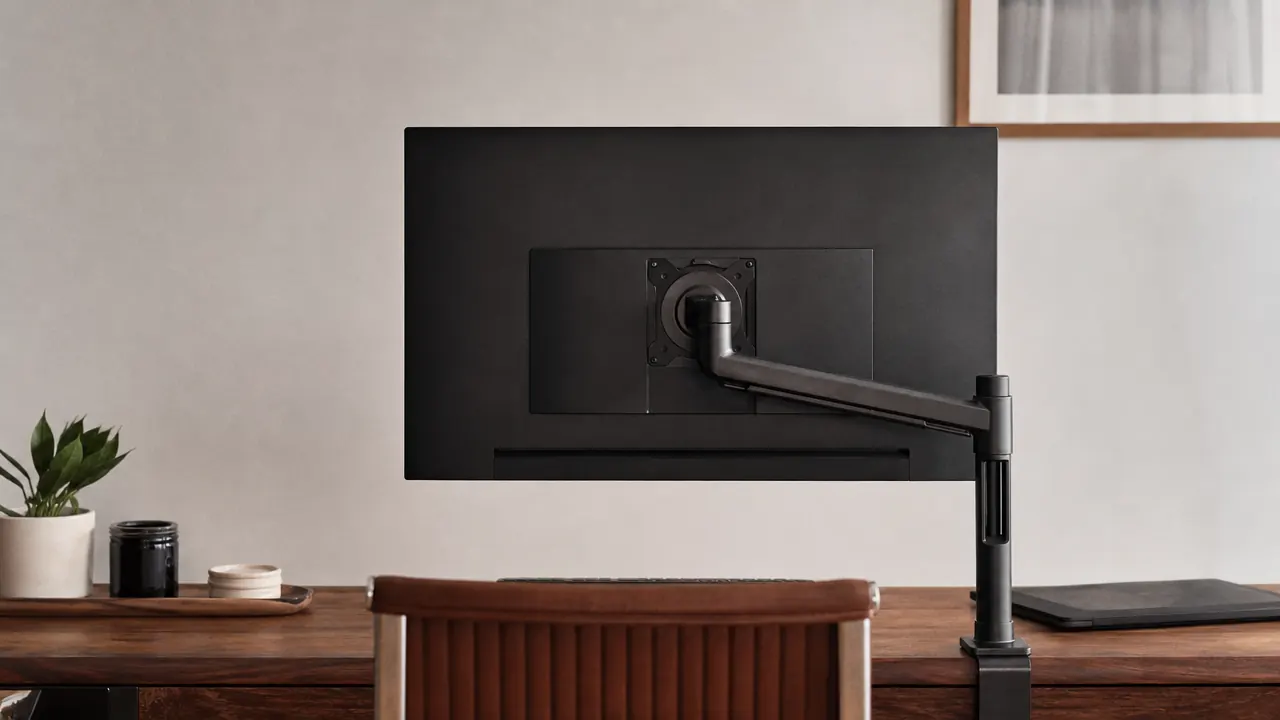
A lot of people with small desks avoid full-size keyboards or keyboard trays because there is no room once the monitor stand is placed. When the monitor base disappears, that calculus changes. You can push the keyboard further back, add a wrist rest, or replace a compact keyboard with a full-size layout without the screen crowding you. The arm essentially decouples the monitor from your keyboard and mouse zone, and lets you optimize each independently.
It Improves Posture Without Buying a New Chair
Getting the screen to eye level reduces the forward head lean that builds up over a workday. Getting the screen closer or farther by an inch or two reduces eye strain without changing anything about the room lighting. These are posture and ergonomic improvements that a monitor stand cannot deliver because a stand has no range. If you are not ready to spend two hundred dollars on a new ergonomic chair, fixing the monitor height is the higher-return adjustment, and it costs about fifty dollars with this arm.
It Makes the Desk Look Like You Meant It
This is the softest reason on the list but it is real. A floating screen with clean cable routing and a clear desk surface below it looks like a purposeful setup. The monitor stand look communicates that the desk is incidental, a place where things got placed. The arm look communicates that the setup was actually thought about. For people working from home who take video calls in this space, the visual difference matters. The monitor arm is doing the same job as good furniture lighting in a room: it makes the whole thing read as intentional.
What I Would Skip
The only monitor arms I would pass on are the no-brand clamp arms under thirty dollars that use a friction joint instead of a gas spring. They work for about three weeks before the joint loosens and the screen starts drifting down on its own. The HUANUO uses an actual gas spring and the adjustment tension holds over time. I have had mine in daily use for over eight months and it still holds position exactly where I set it. On a thirty-dollar arm you will be retightening every few weeks and eventually replacing the whole unit. The price gap is not worth the hassle.
I would also skip dual-arm units if you only have one screen. They cost more, they are heavier, and the extra arm adds clutter you do not need. If you ever add a second monitor, the HUANUO single arm can sit side by side with a second unit on the same desk edge. Start with one and see how much space you gain before committing to a larger setup. For more on installation specifics, see the guide on how to mount a monitor arm without damaging your desk.
The only arms worth skipping are the sub-thirty-dollar friction joints. They drift within weeks. The HUANUO gas spring has held position for eight months of daily use without retightening.
Still running a monitor stand? You are leaving six inches of desk space on the table every day.
The HUANUO single monitor arm supports 13- to 34-inch screens up to 17.6 pounds, clamps without drilling, and routes cables through the arm. Over 7,000 buyers on Amazon, rated 4.6 out of 5.
Amazon Check Today's Price on Amazon →